 The Market Monitor Minding the Nation's Business
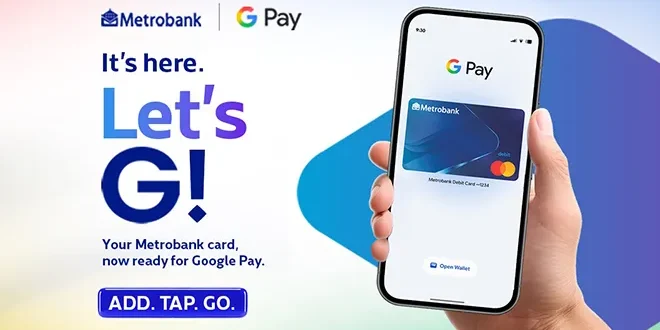
Metrobank cardholders can now use compatible Android smartphones and smartwatches to make contactless payments following the bank’s rollout of Google Pay support for its credit, debit and prepaid cards.
The integration expands the bank’s digital payment services, allowing customers to pay for purchases in stores, online and through supported mobile applications without having to present their physical cards.
“Our goal is to make daily banking simpler, safer, and more convenient for our cardholders,” said Ramon Vivencio del Rosario, Metrobank head of consumer business sector.
“With Metrobank cards now available on Google Pay, cardholders can enjoy the same rewards, benefits, and security they trust, paired with a faster and more seamless way using their Android devices,” he added.
The move adds Metrobank to the growing number of Philippine financial institutions supporting Google’s digital payment services since the platform’s local launch in November 2025.
To activate the service, eligible cardholders must download the Google Wallet app, tap the plus button, and select the option to add a credit or debit card.
Users may scan their physical cards using their smartphone cameras or manually enter the required card details. They must then review and accept the terms and conditions of both Google Pay and Metrobank before completing card verification through a one-time password sent via SMS.
Once activated, customers can simply tap their compatible devices at contactless payment terminals in participating stores. They may also use the service for online purchases and transactions within supported mobile applications.
Cardholders can continue monitoring their transactions through the Metrobank app while enjoying the convenience of digital payments.
Metrobank said additional information and setup instructions are available on its official website.